
How to update your details
You can view your personal details at any time in the customer portal and update them if necessary.
Log in to the customer portal.
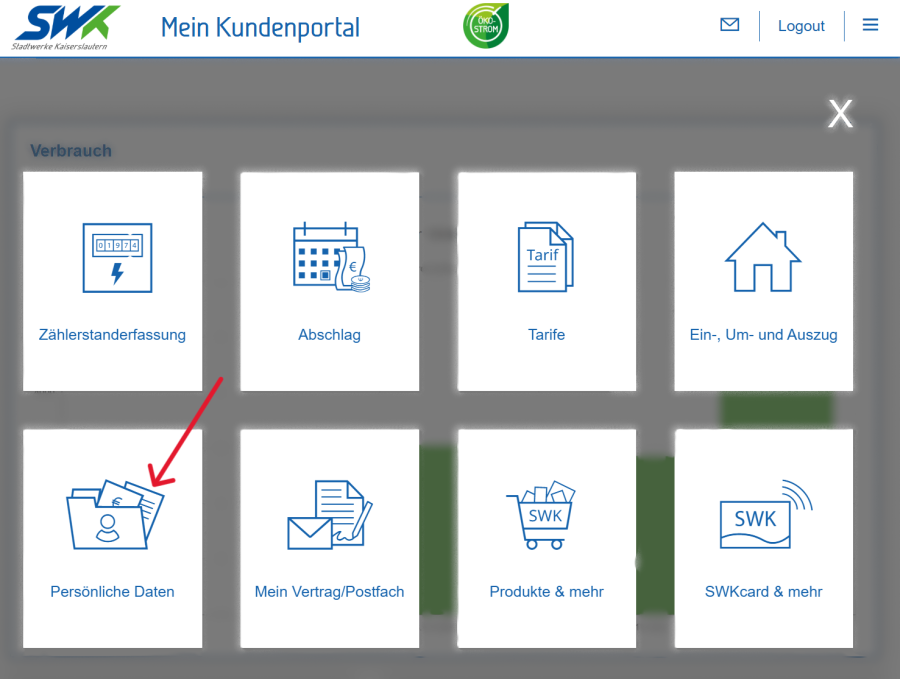
Open the ‘Personal details’ tile.
Select the area where you wish to make a change.
Select your contract account and click "Next".
Make the required changes.
Please check your details carefully before saving the changes.
Alternatively, you can also update your customer details via our customer service team.
Changes can be made in person or in writing, by email, post or fax.
